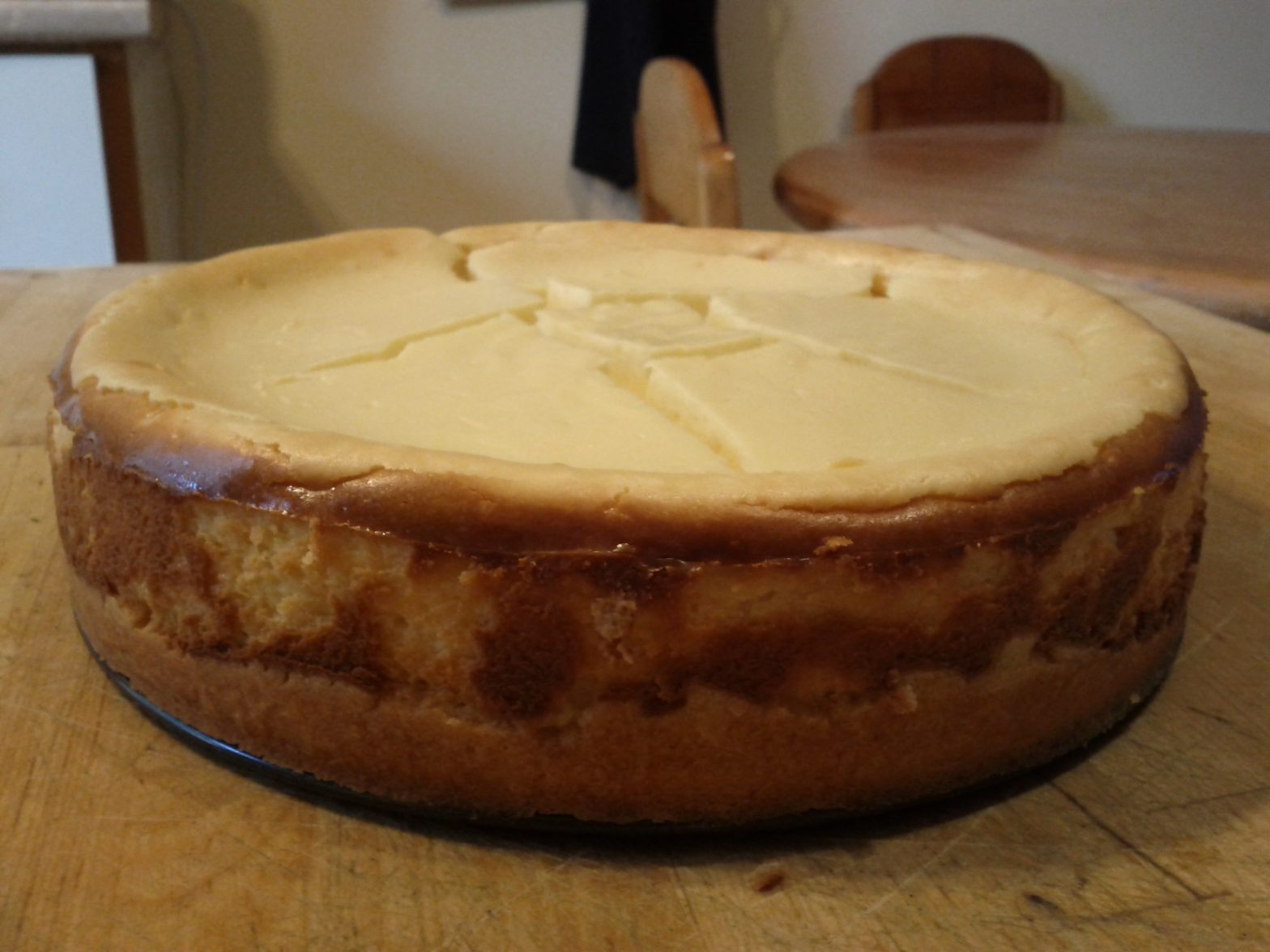
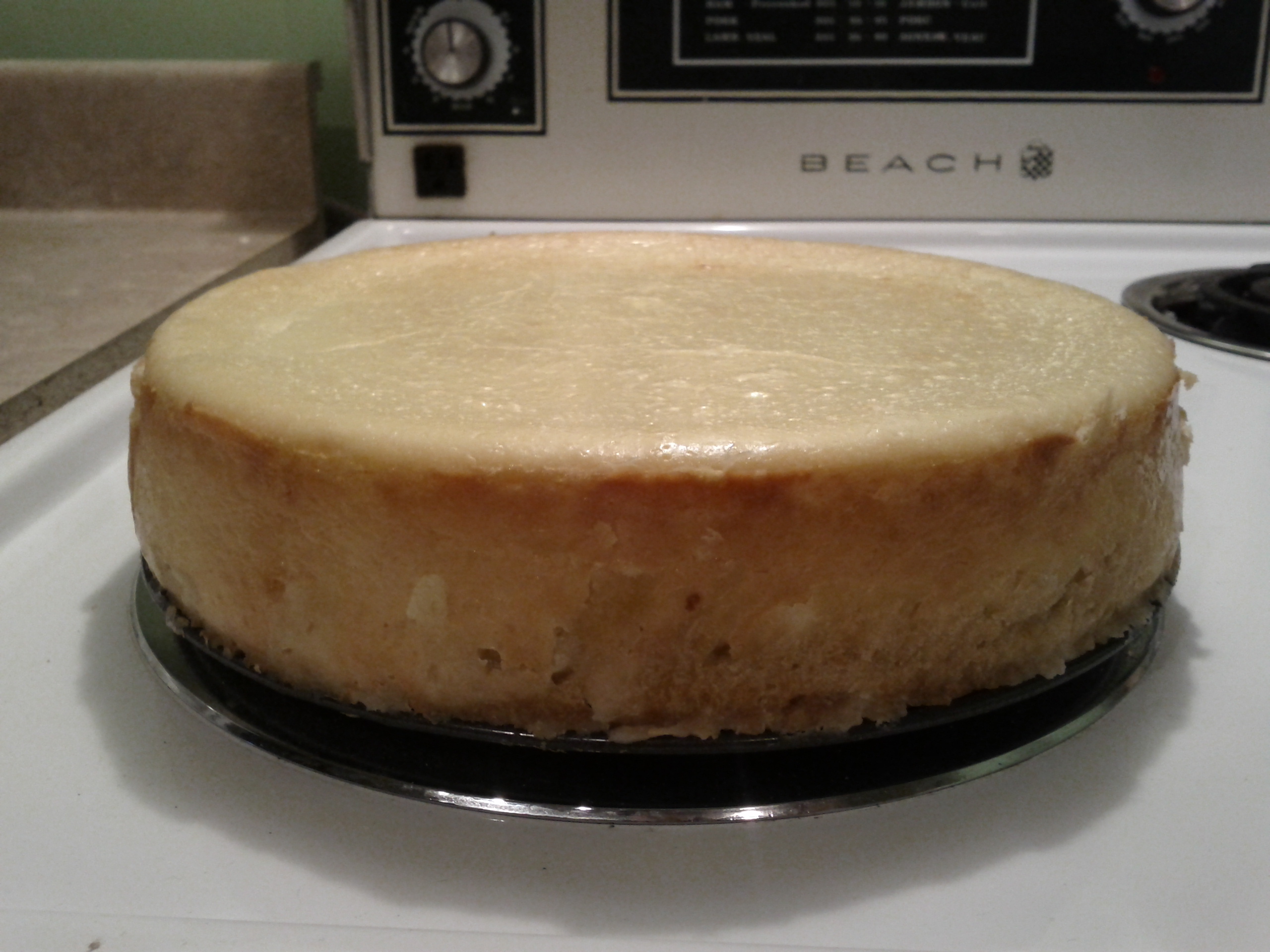
This is the recipe I use for cheesecakes. I’m doing this more for posterity; it’s been a while and this blog is a good way to keep track of details I might forget.
Shortbread Crust
1 Cup Flour
½ Cup Butter
⅓ Cup Icing Sugar
⅛ Teaspoon Salt
Cheesecake Filling
1 Kg Cream Cheese
1 ½ Cup Sugar
1 Cup Sour Cream
½ Cup Whipping Cream
¼ Cup Flour
1 Tsp Vanilla
4 Eggs
Making the Crust
In a bowl, add the flour, sugar, and salt. Mix them.
Add in the butter, and mix until the combination starts to become a paste.
Put the mixture in a pan. Use your fingers to spread the crust evenly, and a little up the sides. Poke holes with a fork, and then insert into the freezer.
Making the Filling
In a bowl, add the sugar and cream cheese.
Mix them until there’s no more loose sugar left.
Add in the whipping cream. Then start adding the eggs, mixing well after each one is inserted. Then add the sour cream, flour, and vanilla.
At this point it’ll be chunky from the pieces of cream cheese. I use an immersion blender to turn it into a uniform goo.
I set the oven to 350 F. I pull the pan out of the freezer and pour the mix into it.
I wait for the oven to heat up to reach temperature and insert the pan. I bake it for 1 hour, or until the top has started to turn a nice golden colour. I then leave it in with the oven turned off for another few hours before putting it in the fridge overnight (or five hours.)
Note: To avoid cracking like above, I started putting in a pan with water in it in the oven when I insert the cheesecake. I remove the pan with the water after 30 minutes of baking.
Well, my first month of school is coming to a close and I’m drowning.
It’ll be better next semester, when I won’t have any more chemistry labs to do. That class is an unbelievable time sink, I figure I must spend 30 hours on it alone in the last week. Top that with work and three other classes that all have their own lectures, readings, assignments, discussion groups, and lab sessions. It’s a lot!
When I do have spare time, I bake. It doesn’t require thinking. It produces instant results. I end up with goodies. It’s unlike anything I do in university. On that note, I’ve been trying to find a baked doughnut recipe. I’ve tried four of them.
Pictured above is the result of a baked French Crueller recipe. The inside was as you’d expect – soft and fluffy. The outside was tough, a product of baking instead frying. It wasn’t terrible, but I don’t think I’d do this one again.
Next up was a yeast-based baked doughnut recipe. The end result was very dense, almost bread-like. I’m not sure if this was because of the recipe, or because of my (lack of) skills. The nice thing about that recipe though is that it doesn’t require a doughnut pan. Not bad, but not quite doughnut-like.
I then stumbled on a new recipe. I had the bright idea of trying it while significantly inebriated. The result tasted like baking powder. My ability to measure quantities is always the first casualty of my alcohol consumption.
I promptly tried the new recipe for baked doughnuts again, albeit after sobering up. I also picked up a doughnut pan for this one. The results were great. This was it! A baked doughnut that rivalled the fried variety.
I’m going to keep trying new recipes, but I’m really content with this last one.
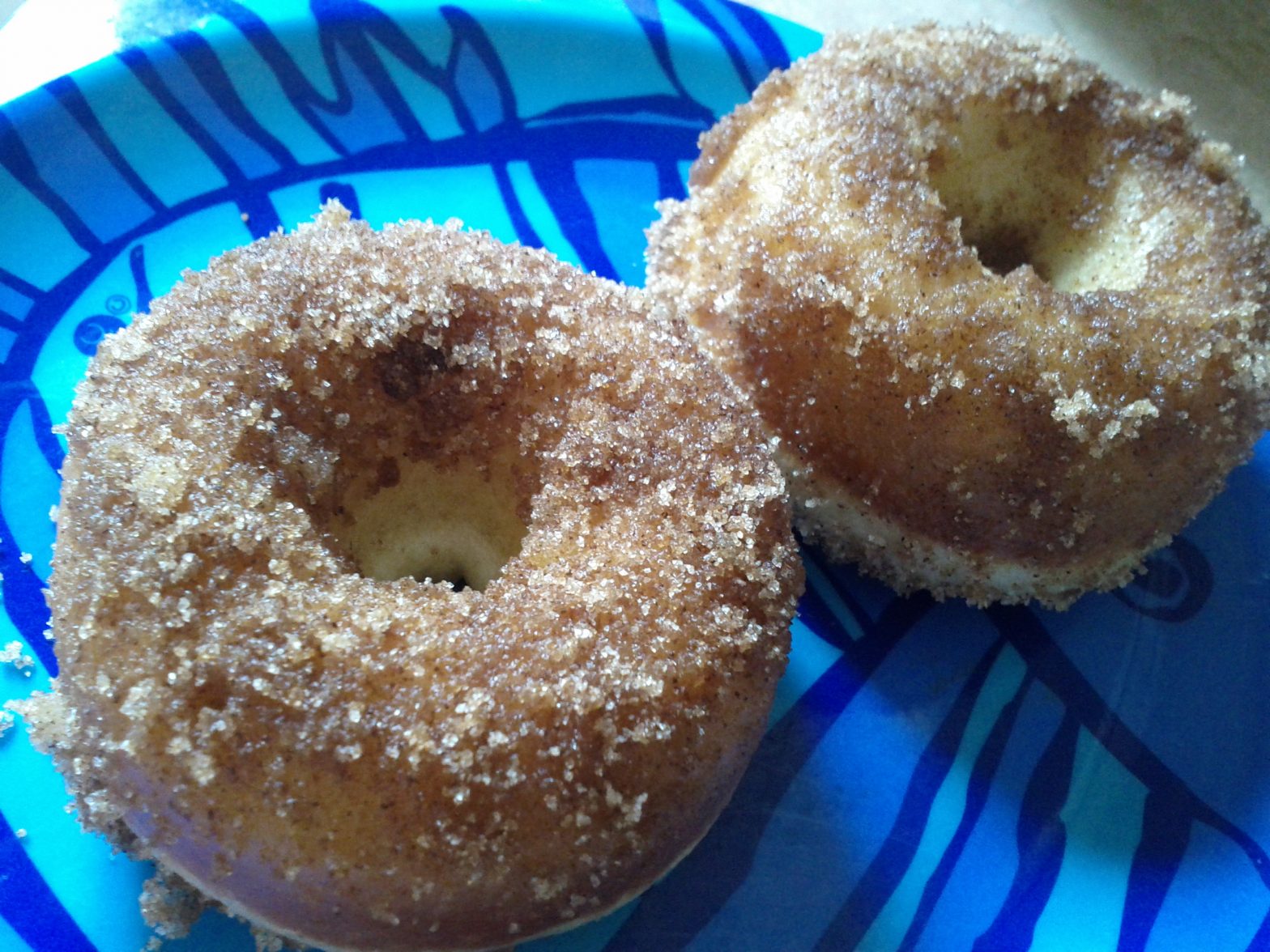
Update #1: I’ve tried a recipe for baked snickerdoodle doughnuts, pictured below. Good results but I have to say that I still prefer that other recipe.
Update #2: I made cinnamon roll doughnuts, shown below. The flavour, which really is reminiscent of a cinnamon roll, makes this one a keeper.
Update #4: I used the topping from the baked cinnamon roll doughnuts, and used the batter from the cinnamon & sugar baked doughnuts. It’s an excellent combination. It fills out nicely and melts in your mouth as you chew into it. The batter doesn’t absorb the cinnamon roll topping as well as the original recipe though, so it’s not as eye-catching. But there are ways to deal with that.
Update #5: I made vegan gluten-free doughnuts. I followed the same recipe as above, but made substitutions. Flour became Red Mills Gluten-Free All Purpose Flour with two tsp of xanthan gum. Eggs became apple sauce. Butter became Earth Balance spread. Milk became almond milk. Cream Cheese became Tofutti Cream Cheese.
Update #6: I used an entirely new recipe, for baked cake miniature doughnuts. The doughnuts ended up with a crispy sugary exterior that clung to the pan and a cake-like interior. Not bad, but not the best I’ve done either.
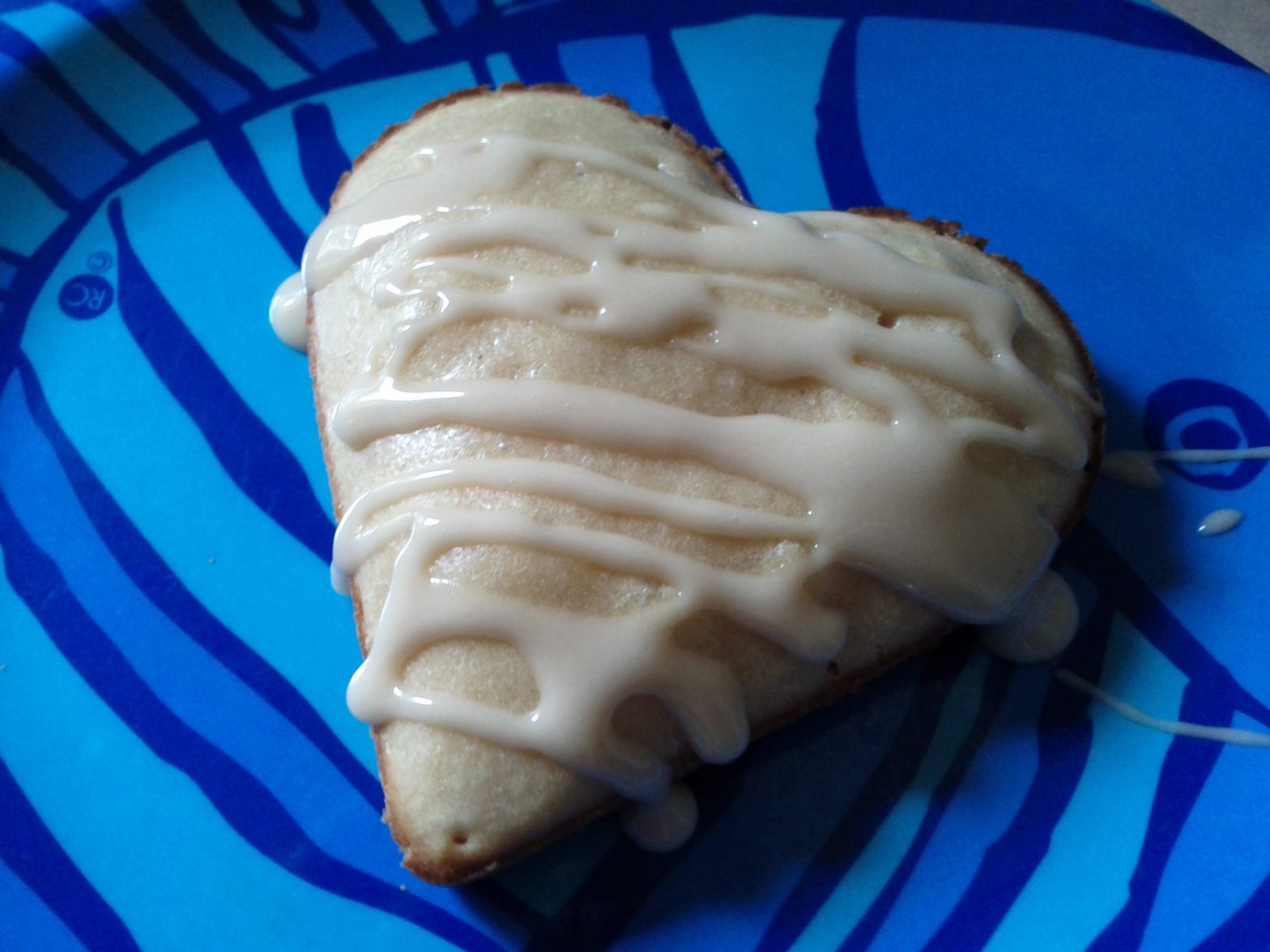
Update #7: I made vegan baked maple cinnamon roll doughnuts. They have been the best doughnuts to date. I basically took the cinnamon roll doughnut recipe, made it egg and dairy free, then topped it with a maple vegan cream cheese icing.
Update #8: I came across a recipe for baked chocolate doughnuts. I halved the portions, which turned out to be a good call as it made 12 mini doughnuts. The end result was pretty decent; they were like bite-sized chocolate cakes.
Update #9: I made vegan baked maple doughnuts. The recipe was very similar to the vegan cinnamon roll doughnuts, and turned out absolutely delicious. This one is now in my top two doughnut recipe list, along with the said cinnamon roll doughnuts.
Update #10: I took the baked maple doughnuts recipe and made it gluten-free. I personally prefer the gluten-rich version, but it’s still very delicious!
Update #11: I made chocolate glazed doughnuts. The result was very cake-like taste and texture. Pleasing but not very doughnut-like in that respect.
Update #12: All the recipes thus far were used with a miniature doughnut pan, with twelve cavities per tray. For this new recipe I utilized the full-size pan, with six doughnuts per tray. I made whole wheat cinnamon sugar doughnuts, substituting Greek yoghurt for sour cream because that’s what I had. These were very good and a definite keeper as a large doughnut recipe.
Update #13: I made vegan brown butter cinnamon sugar doughnuts. They were tasty, being dipped in melted brown butter meant that that was a part of the flavour. Similar to one of the first recipe I ever tried which also dipped the doughnuts in melted butter; hard to say which is better.
Update #14: I made a veganized version of pumpkin spice doughnuts. They were soft and more chewy than cake-like, but nonetheless flavourful and decent.
Update #15: I made vegan cookie dough doughnuts. The recipe for the doughnut portion did not call for any sugar, and on their own tasted very drab. It was just a delivery system for the rich and yummy cookie dough topping. The topping was good, but nonetheless, I don’t think I’d make these again. Or maybe use a different recipe for the doughnut portion, and tone down the topping.
When you buy certain textbooks, like my math and physics book, you now get a code. This code grants you temporary access to a website operated by the publisher. The code can only be used the once and gets tied to your student number.
Why does this matter? Because this website is how you submit your assignments. Without it, you get a mark of zero. The profs like it because the website automatically and instantly grades everything for them, which I’m sure is also appreciated by the teaching assistants.
You do have the option of buying the code on its own. But the extremely high price of the code ($60) means that buying it and a used textbook would cost more than a new textbook.
In the short span since I last graduated in 2007, annual tuition for full-time science students at the University of Ottawa had jumped from $4,786.65 to $6,342.08. A 32% increase. I don’t ever remember paying less than $5,500, but I’m going by the tuition posted on the University of Ottawa website for that year and program.
As a point of comparison, minimum wage in Ontario increased by 7% over the same period, or from $9.50 to $10.25. It used to be that you could work during university and come out of it without significant debt, if any. Now it is expected for students to be saddled with debts greater than the average Canadian annual salary.
CANADIAN FEDERATION OF STUDENTS – Tuition fees increasedCANADIAN FEDERATION OF STUDENTS – Tuition fees increased
Yet even as university education is becoming less affordable, it is becoming more necessary. The undergraduate degree has displaced the high school diploma as the minimum barrier of entry to white-collar work. The Master’s degree meanwhile has filled the void left by the undegrad, and I see it as a requirement on more and more mainstream jobs.
We rank amongst the most educated citizenry of the world, and it’s as if we don’t know what to do with it. Employers are raising the education requirements for job postings because the work pool can sustain it, even though the jobs themselves haven’t changed.
In fact, many employers seem to be more enamoured with the idea of their staff having a university education than the contents of that education. How many jobs have you seen listing an undergraduate degree as a requirement but with little care as to which one? Is the employer better served because the person who fills spreadsheets all day has a Philosophy degree? How many stories have we heard from new graduates where the continuation of their role at a company wasn’t dependent on their competency, which they had satisfied, but whether they had obtained a diploma by a given date?
It’s as if the undergraduate degree has become no more than a license to apply for white collar work.
We’re caught in this cycle whereby we get educated because the market demands it, while the market demands it because we get educated. Unless something gives, students are going to eventually fork over $20k/year for tuition for nothing more than the privilege of avoiding automatic rejection by HR software.
Tuition Hike Signs
I’m not saying that education is without value. It’s that that value is rendered meaningless when all that is cared about is a piece of paper rather than what it symbolizes. When competency takes second place to technicalities. When computers reject people not on a basis of qualifications, but rather if they had the right set of letters beside the field written “education.”
Most desk jobs out there should be open to people with high school diplomas. If you have the right experience and competency from years working in the field, you should be able to apply for a position without fear that a computer will dump you for having the “wrong” university degree.
More educated Canadians is a good thing. But I believe that how our society has come to exploit this fact is to its own detriment. We need to figure out what education means to us, and develop a vision for how we can harness it the best way possible.
This was also my first day of university. I got my books, my student card, and checked out events on campus. Tomorrow will be an introductory session for my department and classes start on Wednesday. I’ll also try to get some work done.
With that, the amount of time that I’ll have to devote to experimenting with food will likely be drastically slashed. From 8:30am until 6:00pm six days out of seven, I’ll be either at work or school. For that seventh day, I’ll spend half a day at my work place.
If I have time in-between classes, and all my homework is done, I’ll either telecommute to work or spend some time on this creative endeavour I’ve been meaning to get to (I’ll leave the details of said project for another blog post.)
Anyways, given the expected cutbacks in culinary exploration, I figured this would be a good time to share what have been my favourite recipes over the past little while.
First on the list would be the cinnamon sugar pull-apart bread. The best way to describe it is to say that eating it is like picking away at a huge Cinnabon.
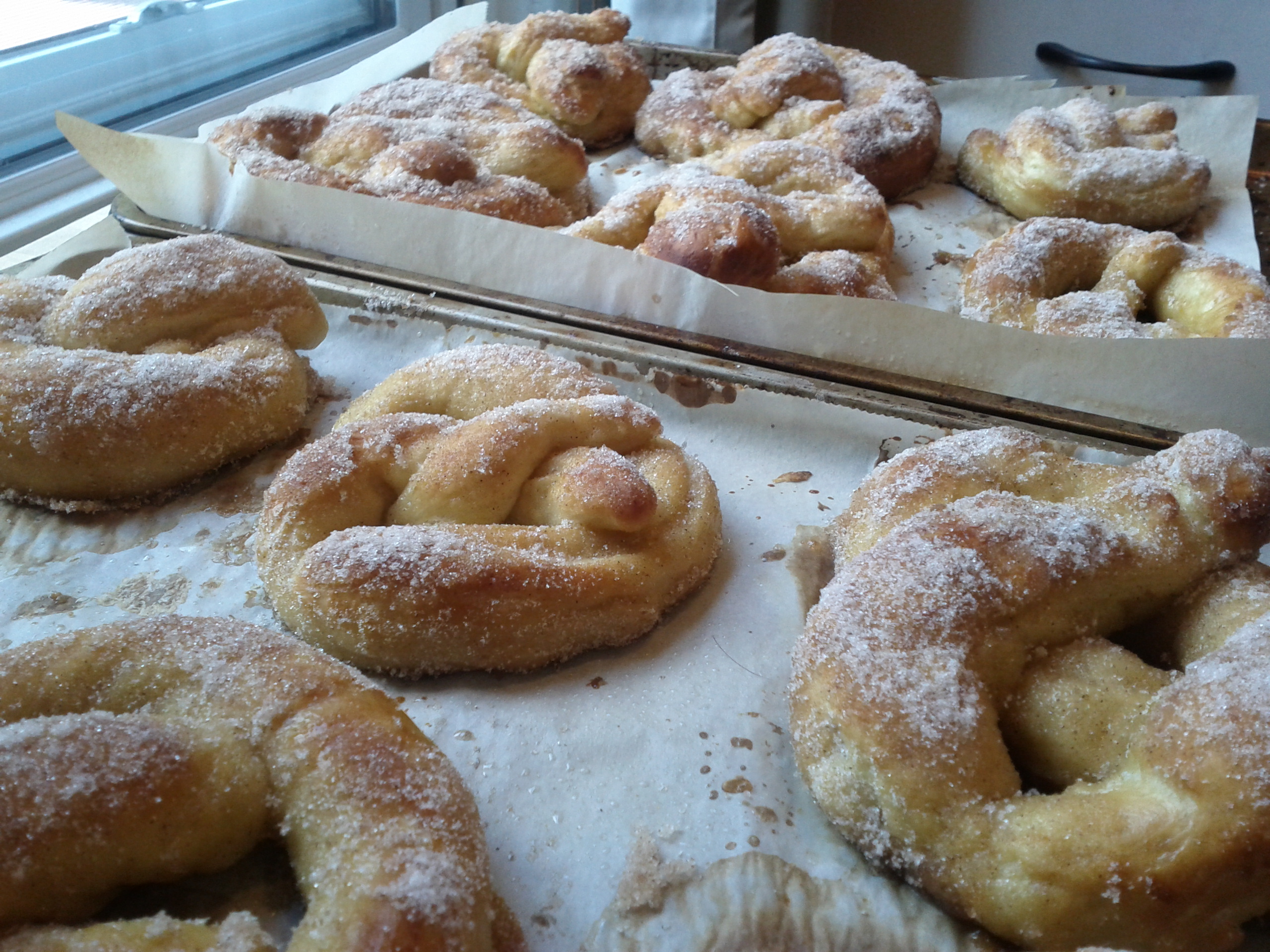
Next on my list would be the soft cinnamon sugar pretzels. I’m not a big fan of pretzels, but this to me didn’t taste like the ones I had before. It tasted more like a doughnut from Suzy Q. I have more pictures about my effort to make them here.
As a funny aside, it was interesting to see how I’d grown since the last time I had my university ID photo taken. The anxious me who had just turned 18, living at home, and relieved at having made a friend during the campus tour. Then the me of today, confidently navigating the adult world as a sea of kids take their own first steps in the path to personal freedom.
Whatever happens in these next few years, it ought to be interesting.